Twelfth for Raycast
Twelfth for Raycast puts your Twelfth workspace in the Raycast launcher on your Mac: what to do today, your range, your projects, and a quick way to start a Twelfth chat. It only reads; it can’t change anything in Twelfth.
Install
Twelfth for Raycast is in review for the Raycast Store. When it is listed, open Raycast, search the Store for Twelfth and select Install.
Sign in
- Run any Twelfth command. Twelfth opens in your browser.
- Sign in, then choose the workspace and what the extension may read. Select Allow access.
- Go back to Raycast. The command loads.
You stay signed in on that Mac. The extension sees only what you see in the app: your role, your remits, your projects.
Sign in with a workspace API key
A workspace owner or admin can paste a workspace API key (twelfth_mcp_…) into the extension’s preferences instead of signing in. Create one in Settings → AI & agents. A key reads the whole workspace rather than one person’s remits, so Mine & Unassigned isn’t available with it.
Commands
| Command | What it does |
|---|---|
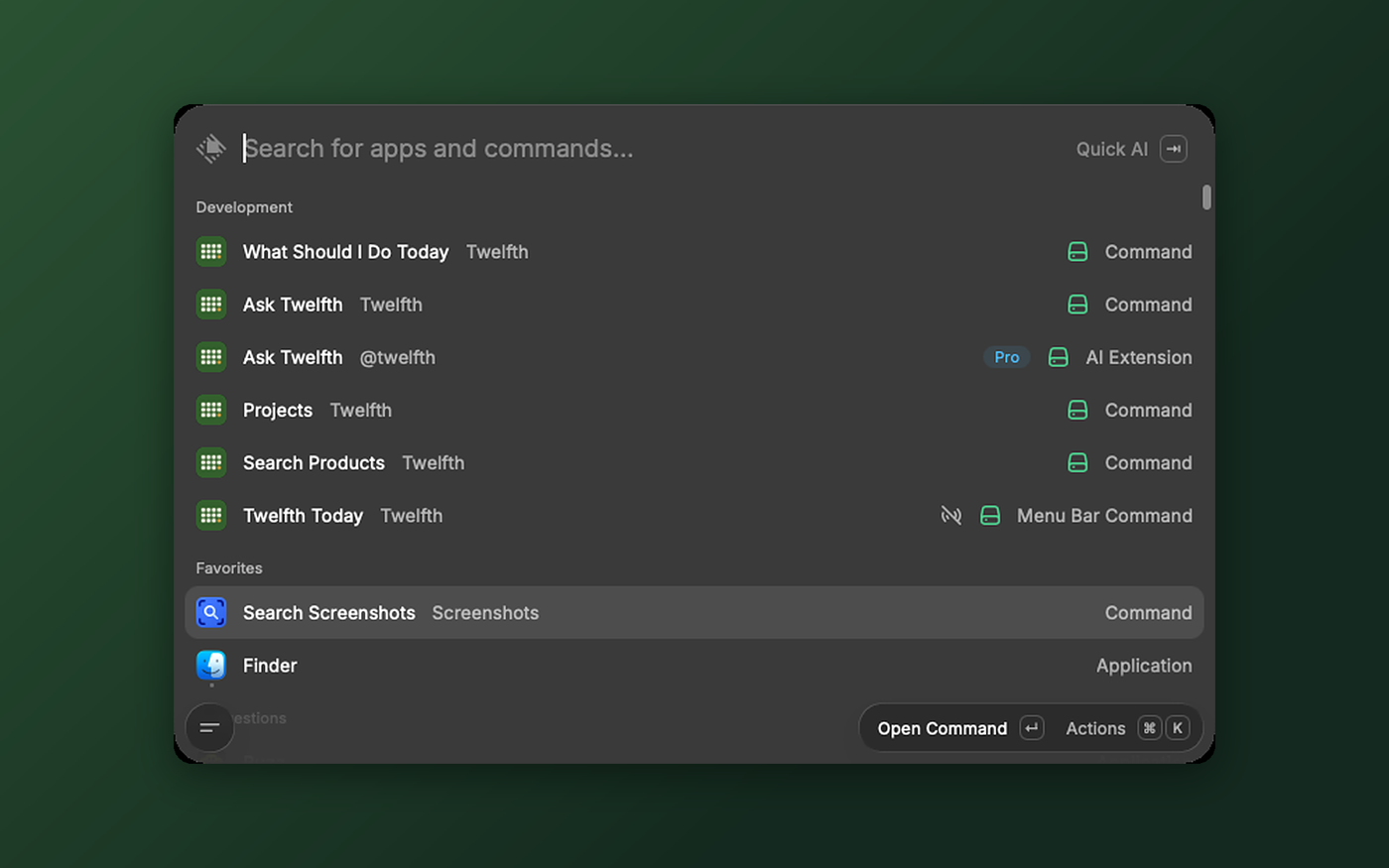
| What Should I Do Today | Your open actions, grouped as overdue, due today, this week, next week and later, in your workspace’s calendar |
| Twelfth Today | A menu bar count of your overdue and due-today actions |
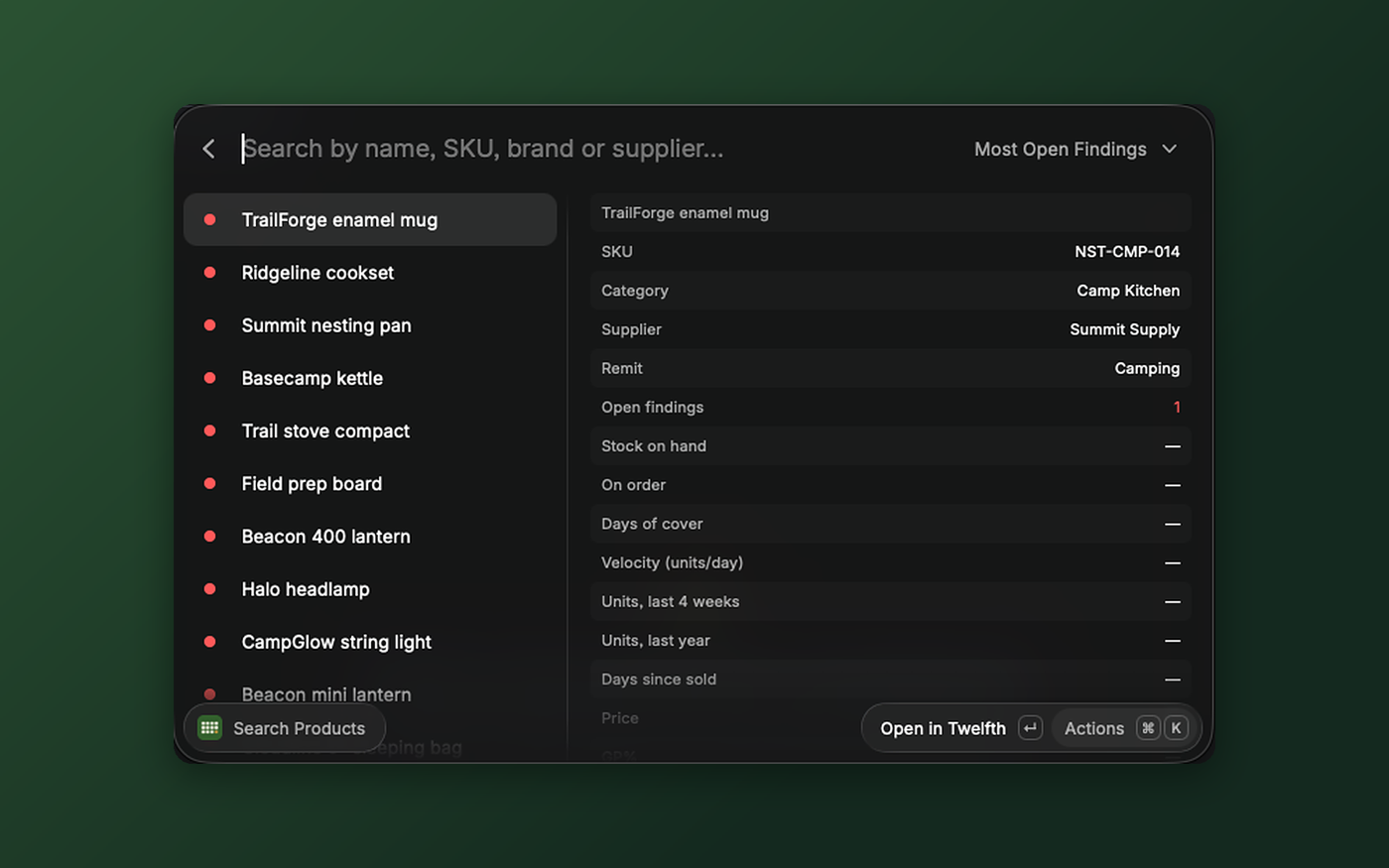
| Search Products | Your range, with stock, cover, sales, GP% and open findings |
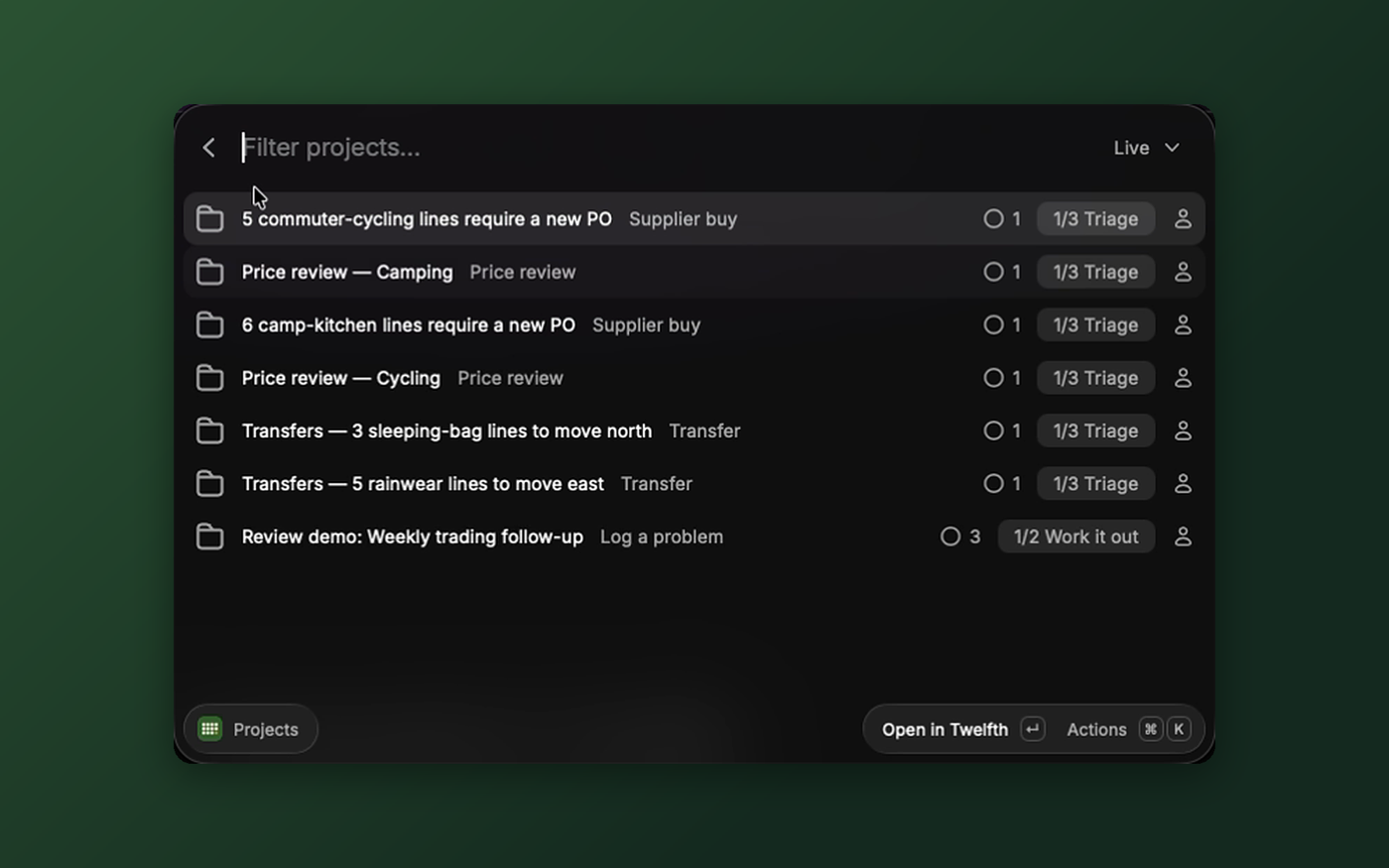
| Projects | Projects with their stage and open and overdue tasks |
| Ask Twelfth | Opens a Twelfth chat with your question filled in |
What Should I Do Today
Your open actions, overdue first. The dropdown switches between Mine & Unassigned and Everyone’s. For the selected action:
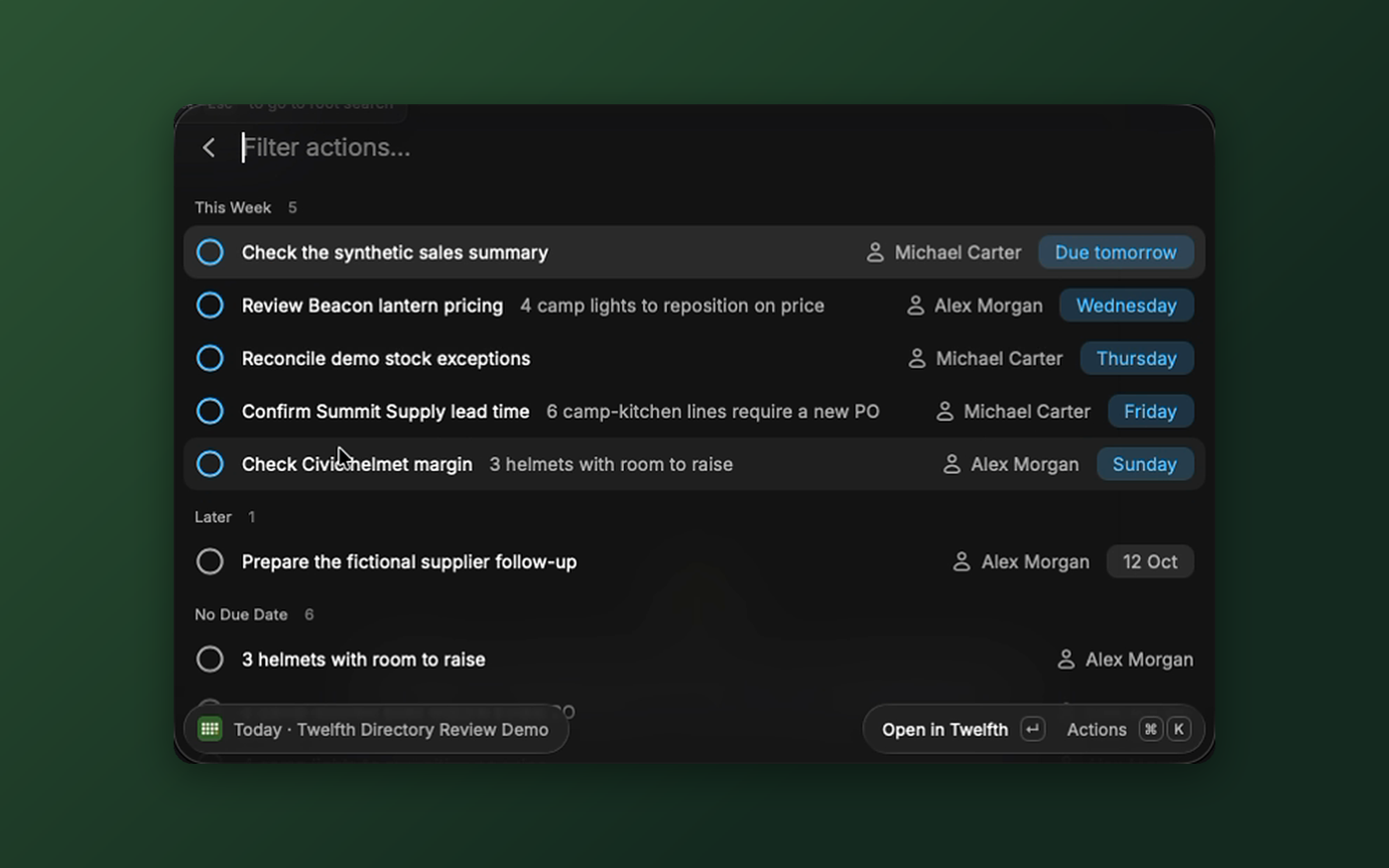
- Open in Twelfth (
↵) - Show the detail: due date, assignee, remit and where it came from (
⌘D) - Ask Twelfth About This (
⌘⇧K) - Copy Title, Copy Link and Open All Tasks
Twelfth Today
A menu bar item that shows how many of your actions (yours and unassigned) are overdue or due today. It turns red when something is overdue and refreshes every 15 minutes. Select an action to open it in Twelfth.
Search Products
Search by name, SKU, brand or supplier. The dropdown sorts by Most Open Findings, Lowest Cover, Fastest Selling, Longest Since Sold, Lowest GP% or Name. ⌘D shows the detail: SKU, category, supplier, remit, stock on hand, on order, days of cover, velocity, units for the last 4 weeks and year, days since sold, price and GP%. Prices are in your workspace’s currency. A figure Twelfth hasn’t measured shows as —, never 0.
Ask Twelfth About This Product (⌘⇧K) starts a chat about it.
Projects
Live, closed, archived or all projects, with stage, owner, and open and overdue tasks. Ask Twelfth for a Status Update (⌘⇧K) starts a chat about the selected project.
Ask Twelfth
Type a question after the command and Twelfth opens in your browser with a new chat. It also works as a Raycast fallback command: type a question in the launcher, then pick Ask Twelfth.
Raycast AI
In Raycast AI, mention @twelfth to ask about the same data. For example:
@twelfth what should I do today?@twelfth which products have the lowest cover?@twelfth which projects have overdue tasks?
Answers include a link to each action, product or project in Twelfth.
Privacy and access
The extension reads only through your own connection: your workspace, your role, your remits. It is read-only, so it can’t mark tasks done or change anything else, even if you turned on Allow changes when you connected. Raycast keeps the sign-in on your Mac. End the connection any time in Settings → AI & agents in Twelfth.
Related
- Extensions: how extensions connect
- Twelfth for Excel
- Generic MCP