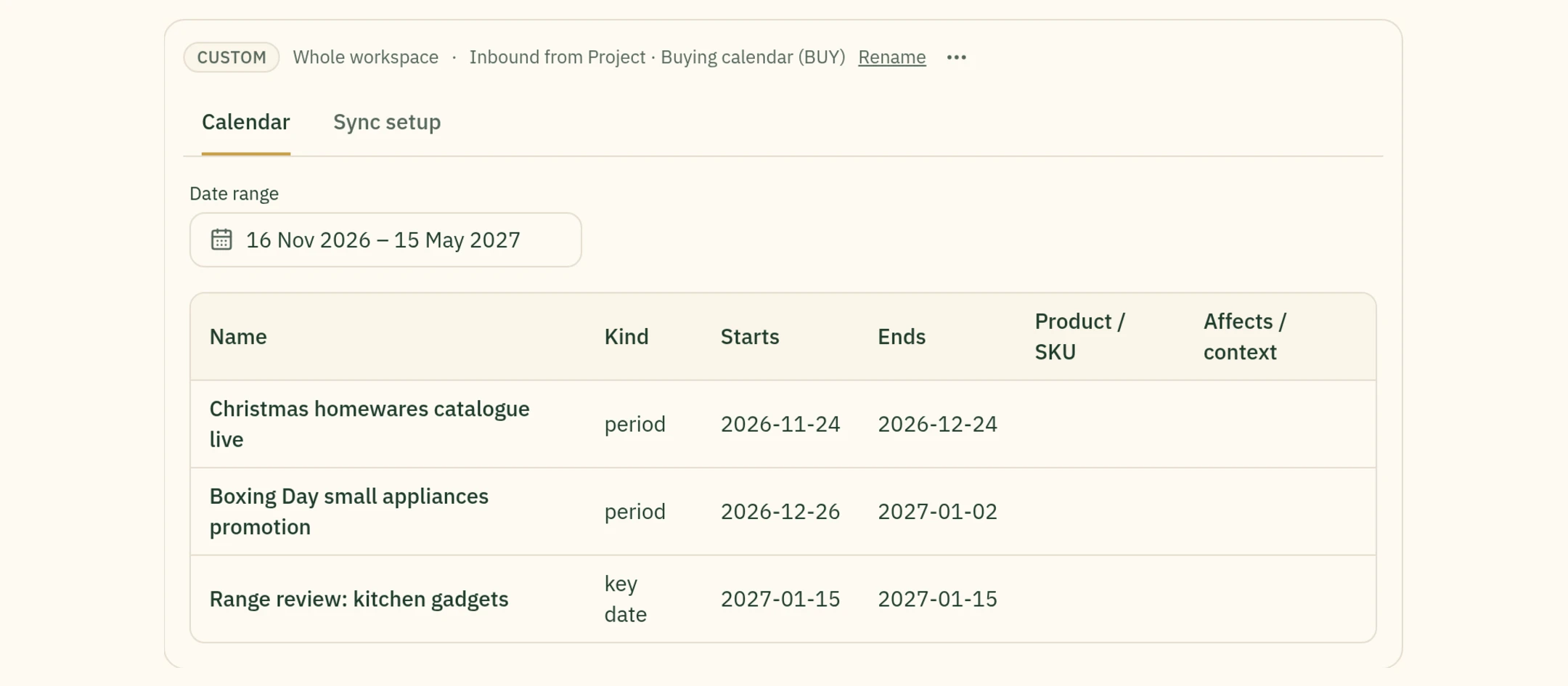
If your team plans launches, promotions and range reviews in Jira, twelfth can read that project as a calendar.
A workspace owner or admin connects one Atlassian account in Settings → Integrations → Atlassian, read-only. Then in Settings → Calendars, add a calendar, choose Jira, and pick a project or a saved filter.
Each issue becomes one entry, from its start date (where your site has a Start date field) to its due date. An issue with only one of them is a single day, and an issue with neither is left out. Key, summary and assignee map automatically, and status, issue type and labels can be mapped under Reads as.
A few ways teams use it:
- A launch project. Catalogue drops and range launches as periods, so chat can answer "What launches overlap Boxing Day?"
- A saved filter. "Promotions due this quarter" becomes its own calendar, without copying a single issue.
- Range reviews and supplier deadlines. Issues with only a due date show as key dates.
- One remit's plan. Scope the calendar to a remit, and only that team's buyers see it.
twelfth never edits an issue or a filter. Jira stays the only copy.