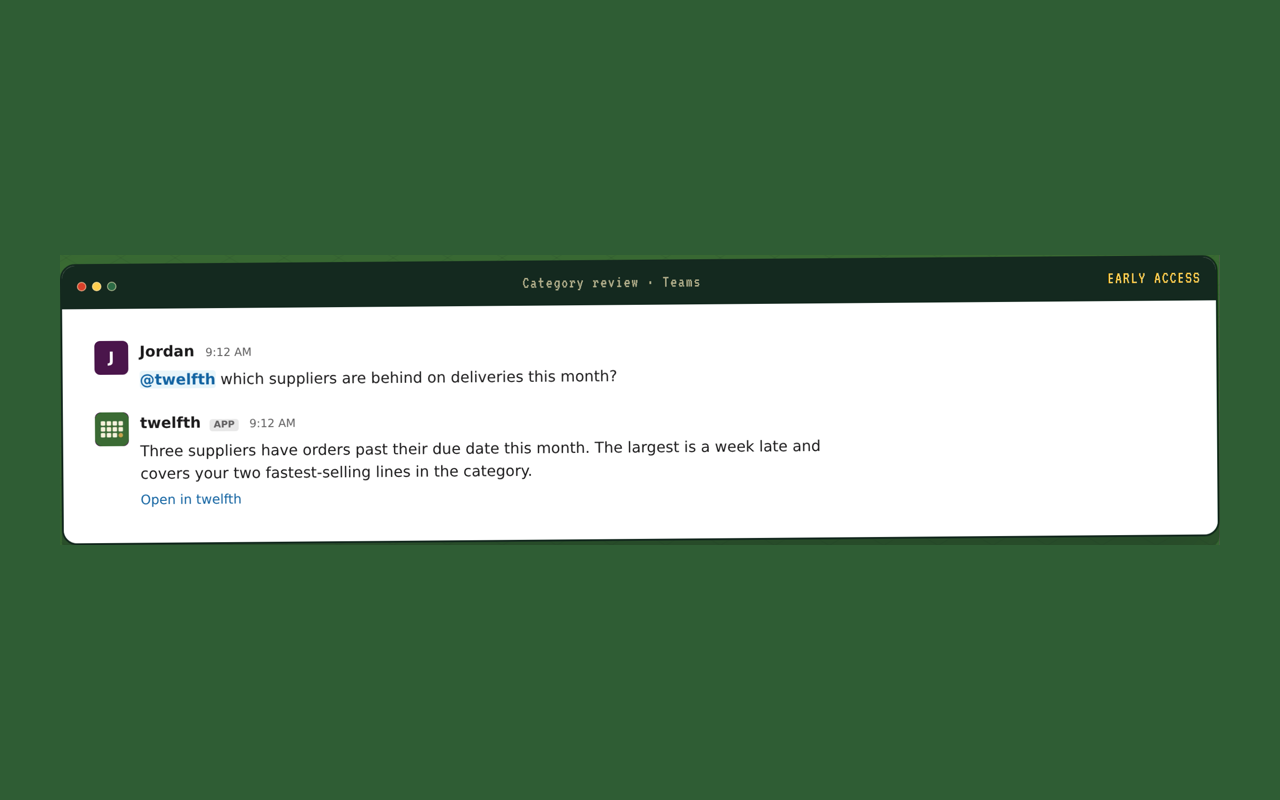
Open Settings → Preferences → Theme, open Light or Dark and pick your workspace's palette. The sidebar, buttons, page surfaces and chat portraits take your brand's colours, and headings switch to your typeface. Pick Light again to switch back.
Every colour is checked for contrast, so text reads as clearly as in the standard themes. Status colours keep their meaning: gold still marks what is waiting on you.
It's a personal choice: each person turns it on for themselves, and it follows them across devices.
No palette yet? Workspace owners and admins with access to the company domain open Theme → Customize brand. twelfth reads the colours and heading typeface from your website; adjust any colour, then Save for everyone.